




NCLEX Exam Prep
Study Smarter. Pass Faster. Stay Sane.
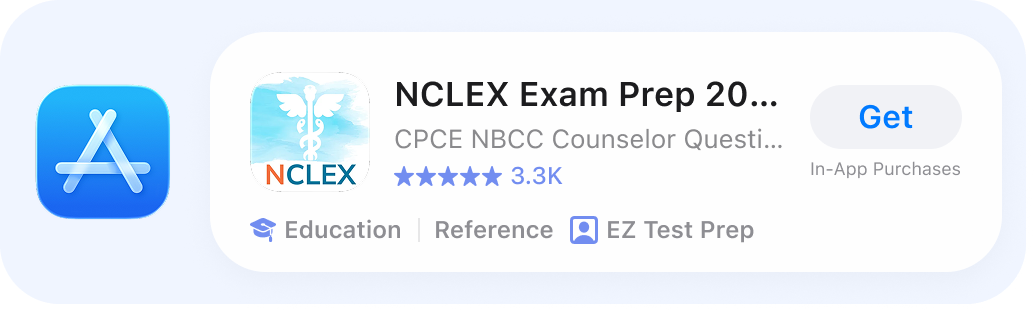
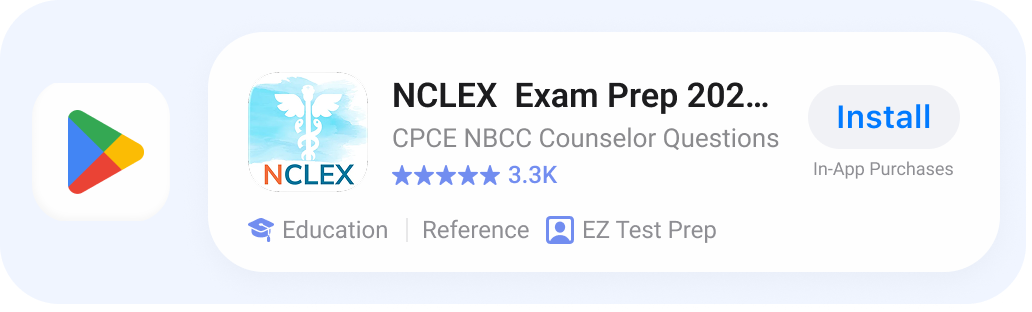
2,000+ practice questions, detailed explanations, personalized quizzes, and progress tracking. Study on web, iPhone, or Android.


No Credit Card Needed

Plans & Pricing
Access on Web, iPhone, & Tablets
 Best Value
Starting at
$9.99
Flexible options to fit your goals and study needs
-
Unlimited practice questions
-
Detailed explanations
-
Progress tracking & analytics
-
Access on Web, iOS, & Android
-
Personalized quizzes
-
Cancel anytime
What's on the exam?
-
Management of Care
-
Safety and Infection Control
-
Health Promotion and Maintenance
-
Psychosocial Integrity
-
Basic Care and Comfort
-
Pharmacological and Parenteral Therapies
-
Reduction of Risk Potential
-
Physiological Adaptation

2,400+ real exam questions
Stay sharp with up-to-date content and clear explanations.
Daily goals & reminders
Stay motivated with personalized study targets.
Timed practice exams
Simulate the real test experience under pressure.
Sync across all devices
Study anytime, anywhere seamlessly.
Progress tracking
Spot your strengths and areas that need work.
Study by topic or difficulty
Focus on exactly what you need to improve.
What other test takes have to say
-
AmeSeg73, 11/28/2025
“I love that I can go back and review my missed questions. The daily quizzes and exam simulator are very helpful, and the categories are very well-thought-out. I’m so happy I found this awesome tool!”
-
Eric Winegar, 11/17/2025
“I’m very happy I found this app. It saved me a lot of time studying and I was able to pass on my first try.”
-
Leah Feliz, 03/11/2025
“I’ve tried a few apps made by the same company and I love how their layout is similar and very easy to navigate. It’s been very helpful in preparing for my exam.”
Frequently
Asked
Questions
Study Tips
-
The NCLEX-RN ranges from 70 to 135 questions, while the NCLEX-PN runs from 85 to 150. The exam adapts to your performance, which is a fancy way of saying the better you do, the tougher it gets. Think of it like a treadmill that cranks up the speed the second you look too comfortable.
-
You get up to 5 hours, including breaks, whether you’re taking the RN or PN version. That’s plenty of time to overthink every single answer, take a bathroom break, and still finish strong.
-
Both exams focus on the same big nursing areas: safe and effective care, health promotion, psychosocial integrity, and physiological integrity. In short, you’ll be tested on everything from preventing infection to calming an anxious patient to knowing when a vital sign screams “emergency.”
-
There’s no magical number score. The NCLEX is pass/fail, and it’s based on whether you consistently prove you’re above the minimum competency level. In short, you don’t need to be perfect, just reliably safe.
-
At a Pearson VUE testing center. They’ll check your ID about 37 times before letting you in, so don’t forget it.
-
The fee is $200 for both the RN and PN versions, though your state board might tack on extra costs. So budget a little more than your daily Starbucks run for a year.
-
You’ll need to apply to your state board of nursing first, then register with Pearson VUE. It’s a two-step process, like double-washing your scrubs after a rough clinical shift.
-
All year long, almost every day. Once you’re approved and scheduled, you can pretty much pick a date that doesn’t conflict with weddings, vacations, or Netflix binges.
-
Yes. You must graduate from an accredited nursing program and be deemed eligible by your state board of nursing. No shortcuts, no “just winging it.” Nursing school first, NCLEX after.
-
Yes. You can retake it after a 45-day waiting period. Many states allow unlimited retakes within certain timeframes. So if it doesn’t go your way the first time, you’re not doomed. Just regroup, restudy, and tackle it again.
-
Yes. The NCLEX-RN is for those becoming registered nurses, while the NCLEX-PN is for practical/vocational nurses. Both cover similar ground, but the RN version expects a deeper level of judgment and decision-making. Think of the PN as driving a reliable sedan and the RN as piloting a jet. Both get people where they need to go, but the responsibilities differ.
-
We’re sorry to see you go, and if you’ve already passed your exam, congratulations! 🎉
Canceling is simple and can be done right from your phone:
- On iPhone (Apple ID):
Go to your device Settings > [your name] > Subscriptions or use this link: Manage Subscriptions on iPhone. - On Android (Google Play):
Open the Google Play Store > Account > Subscriptions, select EZ Prep, and tap Cancel subscription. You can also go directly here: Manage Subscriptions on Android.
If you need help at any point, reach out and we’ll walk you through it.
- On iPhone (Apple ID):


You’ve got the brains.
We’ve got the plan.
Let’s do this!
Check Out the Blog


