





CST Exam Prep
Study Smarter. Pass Faster. Stay Sane.
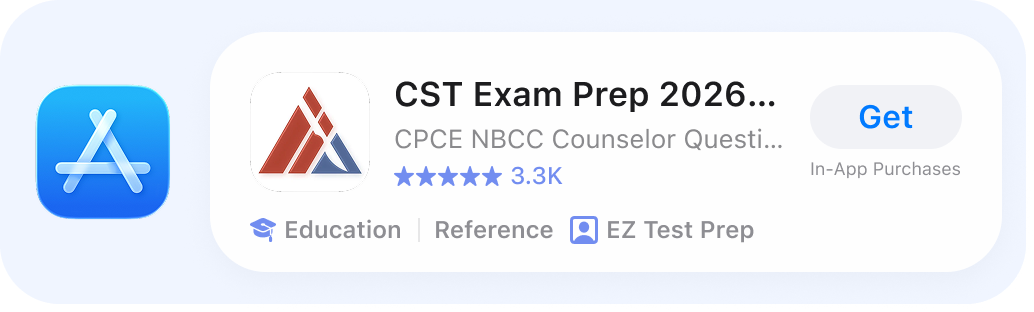
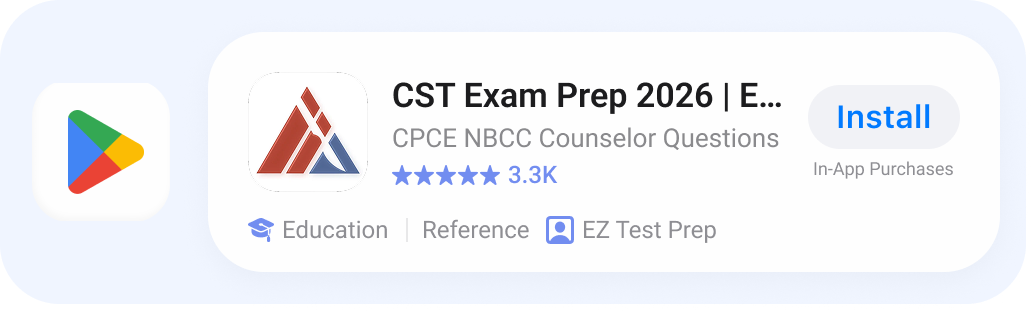
2,000+ practice questions, detailed explanations, personalized quizzes, and progress tracking. Study on web, iPhone, or Android.


No Credit Card Needed

Plans & Pricing
Access on Web, iPhone, & Tablets
 Best Value
Starting at
$9.99
Flexible options to fit your goals and study needs
-
Unlimited practice questions
-
Detailed explanations
-
Progress tracking & analytics
-
Access on Web, iOS, & Android
-
Personalized quizzes
-
Cancel anytime
What's on the exam?
-
Preoperative Preparation
-
Intraoperative Procedures
-
Postoperative Procedures – Cleaning up without screwing up
-
Administrative & Personnel – Chain of command, ethics, and not getting fired
-
Equipment Sterilization & Maintenance – Because a rusty scalpel is never the right choice
-
Anatomy & Physiology – Know your organs, or get called out by a very loud surgeon
-
Principles of Microbiology – Bacteria: tiny, terrifying, and on the test
-
Surgical Pharmacology & Anesthesia – What goes in, what knocks them out, and what you better not mess up

2,400+ real exam questions
Stay sharp with up-to-date content and clear explanations.
Daily goals & reminders
Stay motivated with personalized study targets.
Timed practice exams
Simulate the real test experience under pressure.
Sync across all devices
Study anytime, anywhere seamlessly.
Progress tracking
Spot your strengths and areas that need work.
Study by topic or difficulty
Focus on exactly what you need to improve.
What other test takes have to say
-
Katielpc+, 02/14/2025
“This app lets me pick when and how I want to study, adjust the difficulty level, and keeps me motivated with all of the little awards and encouragements. Highly recommend!!” -
WhitneyShoe, 07/25/2025
“Well-written questions and explanations.”
-
LostieCat161, 04/04/2025
"It was very helpful to remind me what to prep for."
Frequently
Asked
Questions
Study Tips
-
The CST exam has 200 multiple-choice questions. Think of it as a marathon of surgical knowledge where you’ll need both stamina and strategy to make it through.
-
You’ll have 4 hours to complete the exam. That’s plenty of time to show what you know, but not enough to start planning your post-exam victory dinner mid-test.
-
The test covers perioperative care, ancillary duties, and basic science. Basically, everything from patient prep to sterilization to anatomy. If it happens in or around the operating room, expect a question about it.
-
You need a scaled score of 70 to pass the CST exam. Don’t worry, the goal isn’t perfection. It’s showing you’ve got the knowledge and skills to be a safe, competent surgical tech. Think “solid and steady,” not “flawless robot.”
-
The exam is offered at Pearson VUE testing centers across the country. In other words, you’ll likely take it in a small, quiet room with a camera staring at you more intently than your high school math teacher ever did.
-
The exam fee is $290 if you’re an Association of Surgical Technologists (AST) member and $499 if you’re not. Consider the AST membership the “Costco card” of surgical tech life. You pay a little upfront, but the savings kick in immediately.
-
You apply online through the NBSTSA website, submit your required documents, and pay the fee. No scalpel required, just a credit card and Wi-Fi.
-
The CST exam is offered year-round at testing centers, so you can schedule it when you’re ready. Just don’t wait until you’ve forgotten half of what you studied.
-
Yes. You need to graduate from an accredited surgical technology program or complete a military training program in surgical technology. In short, you can’t just walk in after binge-watching medical dramas.
-
Yes, you can retake it up to three times in a calendar year. Think of it as extra practice runs, but let’s aim for passing the first time to save time and money.
-
Yes. There’s also the Certified Surgical First Assistant (CSFA) exam, which is more advanced and focuses on assisting the surgeon directly. The CST exam says, “I’m ready to scrub in,” while the CSFA exam says, “Hand me the scalpel, I’m in.”
-
We’re sorry to see you go, and if you’ve already passed your exam, congratulations! 🎉
Canceling is simple and can be done right from your phone:
- On iPhone (Apple ID):
Go to your device Settings > [your name] > Subscriptions or use this link: Manage Subscriptions on iPhone. - On Android (Google Play):
Open the Google Play Store > Account > Subscriptions, select EZ Prep, and tap Cancel subscription. You can also go directly here: Manage Subscriptions on Android.
If you need help at any point, reach out and we’ll walk you through it.
- On iPhone (Apple ID):


You’ve got the brains.
We’ve got the plan.
Let’s do this!
Check Out the Blog


